Brilliant Layout Restructure
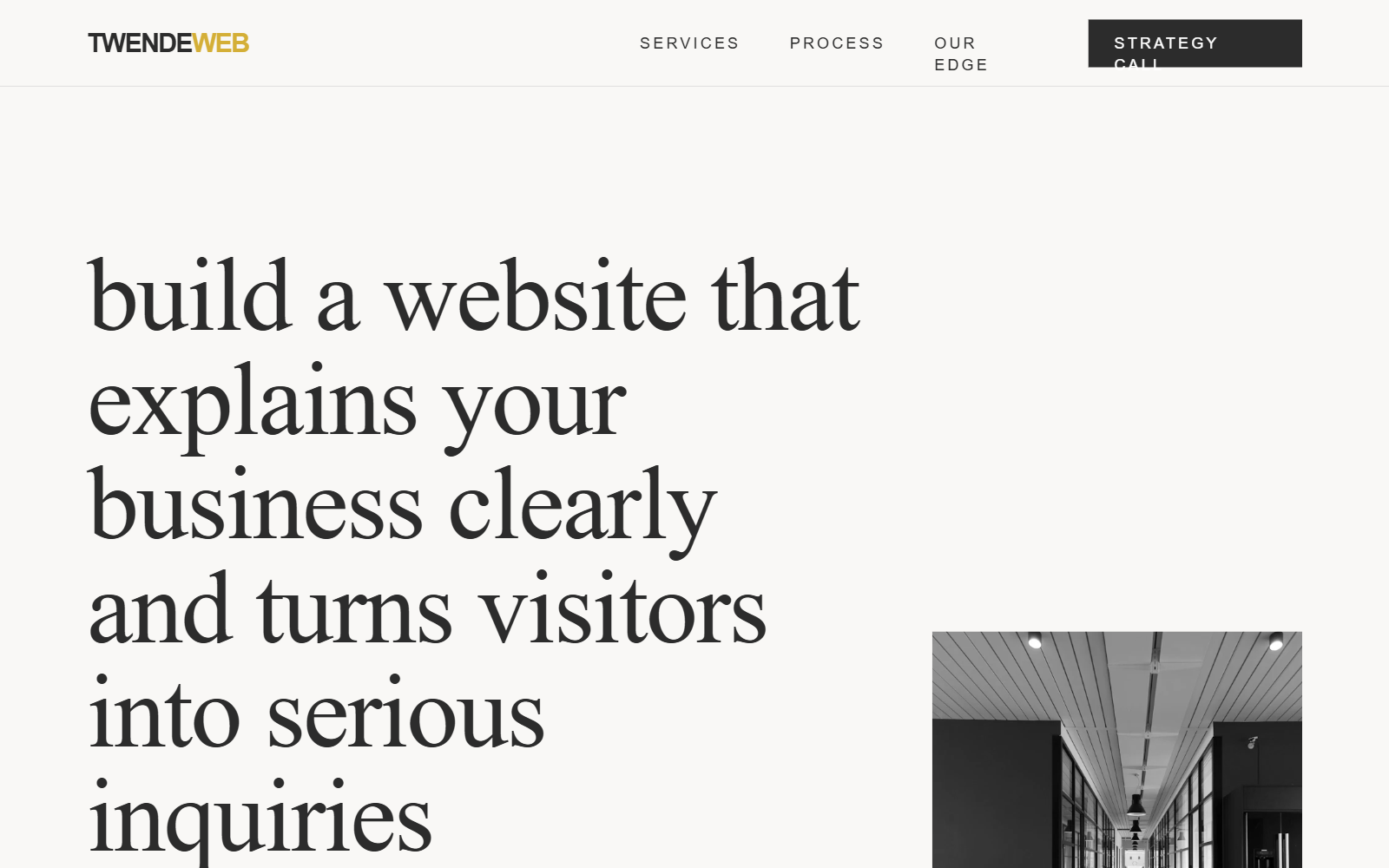
An editorial-grade minimalist design system featuring a premium palette of charcoal, navy, and gold. Characterized by high-contrast typography using the 'Outfit' and 'Inter' font families, the layout employs an asymmetric bento-grid and a vertical grid-line aesthetic. It is ideal for strategic consulting, fintech, high-end digital agencies, and professional services requiring a balance of authority and modern clarity. The design relies on 'rounded-none' geometry, heavy letter-spacing for uppercase elements, and scroll-triggered fade-in-up animations to create a sophisticated, trust-building user experience.
Summary
A sophisticated, high-end business growth design system utilizing an editorial layout, sharp geometric shapes (no rounded corners), and a luxury color palette of Charcoal (#2C2C2C), Gold (#D4AF37), and Navy (#1F3A5F).
Style
The style is 'Professional Editorial'. Typography pairings: 'Outfit' (sans-serif) for headings with negative letter-spacing (-0.02em) and 'Inter' for body text. Colors: Alabaster (#F9F8F6) background, Charcoal (#2C2C2C) text, Navy (#1F3A5F) for high-impact sections, and Gold (#D4AF37) for accents. Animations: Smooth fade-in-up using cubic-bezier(0.25, 0.46, 0.45, 0.94) over 1.2s. Interactions: Expanding horizontal lines on hover and color-fill transitions on buttons.
Layout & Structure
A structured, section-based layout with an underlying 12-column grid. It uses vertical decorative lines to create an architectural feel. Key structures include an asymmetric hero, a split problem-statement section, a bento-style feature grid, and a vertical timeline process.
Navigation
Hero Section
Problem Statement Section
Solution Bento Grid
Services Grid
Vertical Process Timeline
Reservation Form
Footer
Components
Expanding Divider Line
A decorative separator that expands on parent hover.
Underline Form Input
Minimalist text input with bottom-only border.
Decorative Background Grid
Subtle vertical lines creating an architectural layout.
Special Notes
MUST NOT use border-radius; all corners must be perfectly sharp (0px). MUST use 'Outfit' for all headings and accents, and 'Inter' for paragraphs. MUST maintain the vertical grid lines at 10%, 33%, 66%, and 90% for desktop layouts to preserve the architectural feel. MUST use #D4AF37 sparingly for highlights. MUST use wide letter-spacing (0.3em) for all uppercase UI labels.