Chrome Extension Landing Page
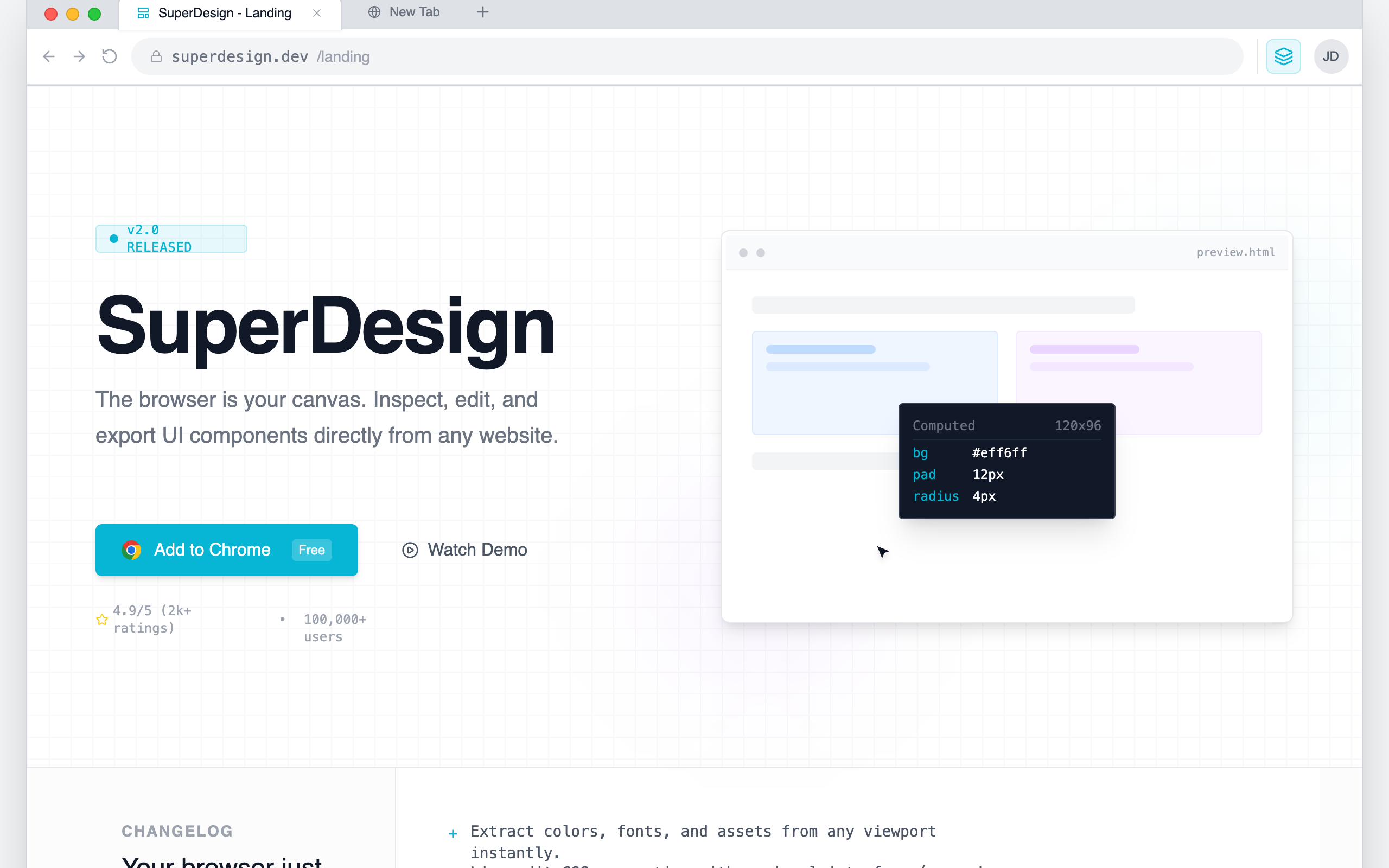
A browser-native developer tool aesthetic characterized by a 'system interface' look rather than a marketing landing page. This style features a light-neutral base with a vibrant cyan (#06B6D4) accent, mimicking the layout of Chrome DevTools or a workspace IDE. It uses a combination of Inter for primary readability and JetBrains Mono for technical labels and commands. Suitable for SaaS, developer tools, extensions, and technical platforms requiring a high-density, utility-focused layout with scroll-triggered panel reveals and simulated interactive environments.
Summary
Create a high-density, technical landing page that simulates a browser workspace. The design must feel like a functional tool using tabbed navigation, sidebar inspectors, address bars, and monospaced data labels, primarily using a clean gray and white palette with sharp cyan highlights.
Style
The style is 'Browser-Core Modernism' featuring high-contrast technical elements. Primary font: Inter (Sans-serif) for body; Secondary font: JetBrains Mono (Monospace) for data and shortcuts. Color Palette: Background #f3f4f6, Panel White #ffffff, Border #e5e7eb, Primary Accent #06B6D4. It includes custom UI scrollbars (10px width, #d1d5db thumb) and a background pattern grid (20px linear-gradient lines). Animations are functional: 0.4s slide-ups and ease-in-out cursor simulations.
Layout & Structure
A nested viewport structure where the entire website is contained within a simulated browser frame, including tabs, navigation bar, and extension icons.
Browser Chrome Frame
Hero Section
Release Notes Section
Interactive Workspace
README Manifesto
Technical FAQ
Components
Property Inspector Grid
High-density data entry UI
Simulated Selection Box
Visual indicator for 'Inspecting' elements