GG'APP Multi-Role Auth & Enhanced Login
A professional healthcare-focused authentication system featuring a dual-pane layout with emerald and sky blue accents. Optimized for multi-role platforms (patients and service providers), it uses a clean, modern aesthetic with editorial typography (General Sans and Satoshi), glassmorphism elements, and subtle micro-interactions. Suitable for fintech, healthcare, and SaaS dashboards requiring secure login and registration flows.
Summary
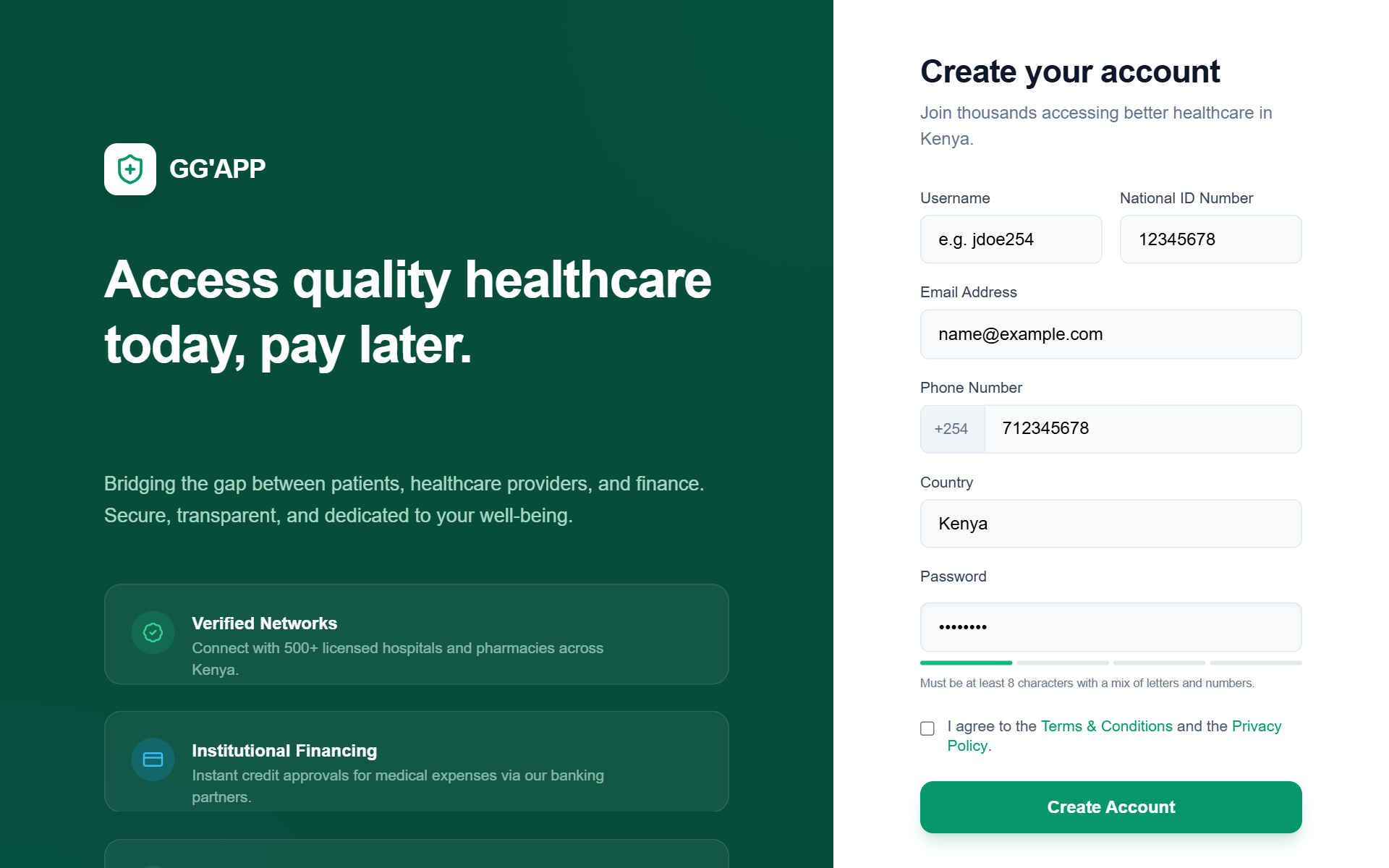
A sophisticated multi-role authentication interface with a dark emerald branding sidebar and a clean white functional area. Features role-based form switching, prominent social auth, and clear success states.
Style
The style is characterized by a high-contrast 'Emerald & Sky' palette. Typography uses 'General Sans' for bold, authoritative headings and 'Satoshi' for readable body text. Components feature rounded corners (12px to 16px), soft shadows, and subtle border-strokes. Animations include smooth vertical fades and scale-down interactions on buttons.
Layout & Structure
A split-screen layout (60/40 ratio on desktop) separating brand narrative from functional forms. Mobile view stacks content vertically.
Branding Sidebar (Desktop Only)
Authentication Container
Role Selector Tabs
Dynamic Registration Forms
Success/Feedback States
Components
Enhanced Google Login Button
High-priority social authentication button used to reduce friction.
Service Type Selector
Grid-based checkbox selection for service providers.
Special Notes
MUST maintain 4.5:1 contrast ratio for emerald text on white backgrounds. MUST use triple-PIN security language in copy. DO NOT use sharp corners; everything must be rounded (min 8px). ENSURE Google Auth button is significantly more prominent than standard email inputs on the login screen.