Nextiva vFAX Management | Dynamic Full-Width View
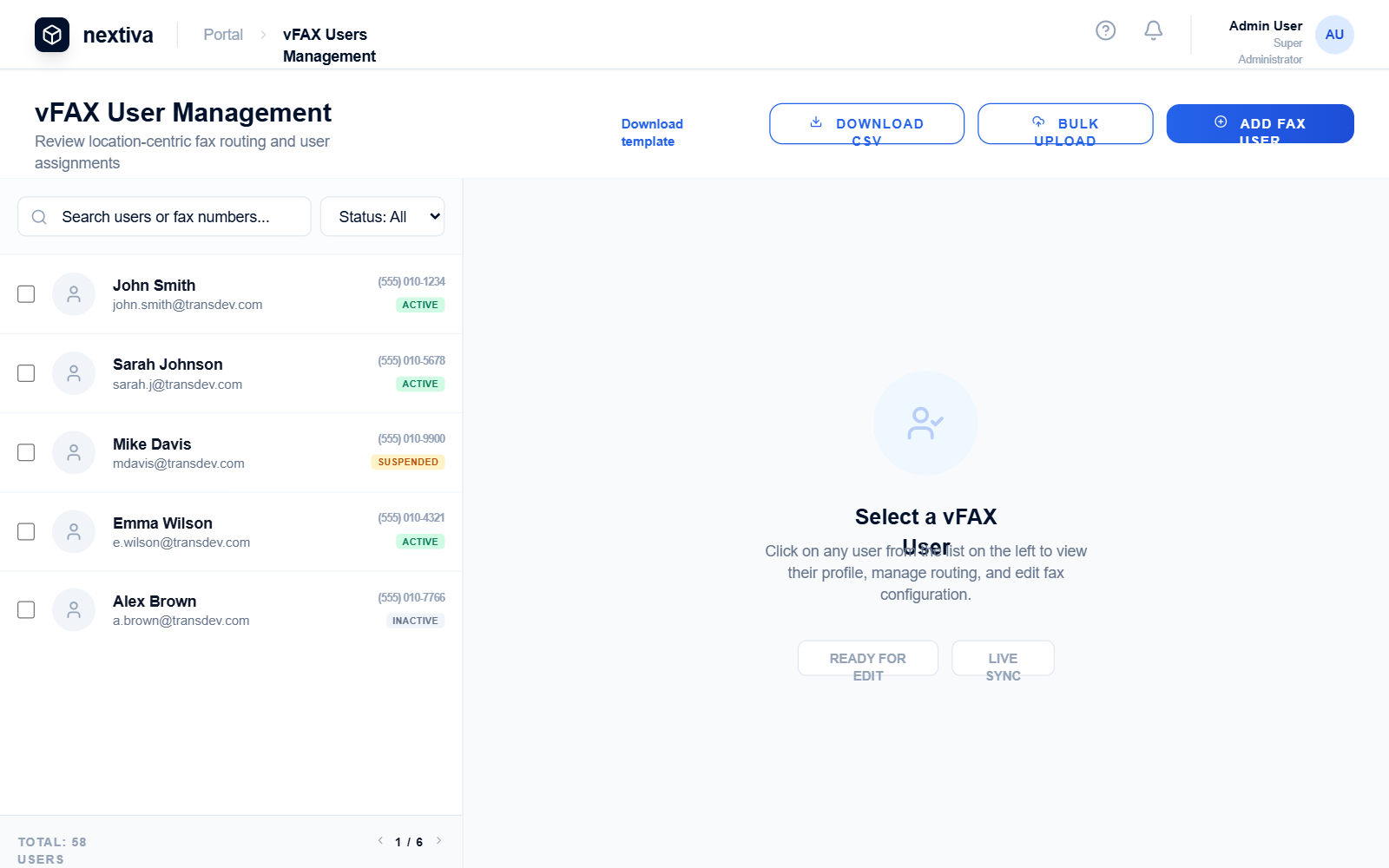
A high-end SaaS management dashboard featuring a dynamic 'View-to-Edit' transition. It utilizes a sophisticated blue and navy palette, premium typography (General Sans and Satoshi), and a responsive split-panel layout. The design moves seamlessly from a full-width data table in an idle state to a 1/3 - 2/3 split screen for detailed editing. Ideal for fintech, telecommunications, CRM, and enterprise administrative portals where high-volume data interaction and granular editing are required.
Summary
Professional enterprise dashboard with a dual-state layout: a comprehensive full-width table for data overview and an animated split-panel interface for detailed object editing. Features high-contrast status badges, smooth slide-and-fade transitions, and a clean, modernist aesthetic.
Style
The style is 'Corporate Modernist' with a focus on legibility and motion. It pairs 'General Sans' for bold headings with 'Satoshi' for UI elements. Colors are rooted in deep navy (#02122c) and high-action blue (#0066ff), with soft slate backgrounds (#f8fafc) and emerald/amber/red for status feedback. Micro-interactions include vertical translation on button hover and smooth cubic-bezier transitions for panel sliding.
Layout & Structure
A vertical layout consisting of a sticky top header, a dynamic sub-header for actions, and a main content area that toggles between a 100% width table and a 33/67 split view.
Sticky Header
Dynamic Action Bar
Main Content: Idle Table State
Main Content: Selected Split State
Detail Edit Form
Components
Status Badge
High-contrast small badges for state indication.
Interactive List Item
The left-panel user list item with specific active state behavior.
Bento Avatar
A unique large avatar used in the edit profile section.
Special Notes
MUST: Use 'cubic-bezier(0.4, 0, 0.2, 1)' for all panel width transitions to ensure a high-end feel. MUST NOT: Allow the left panel to overlap the right; it must push the right panel to 66.7% width. MUST: Stagger the opacity of the form fields to fade in 50ms after the panel starts sliding for a more dynamic UI feel.