Superdesign Setup - Inline Preview
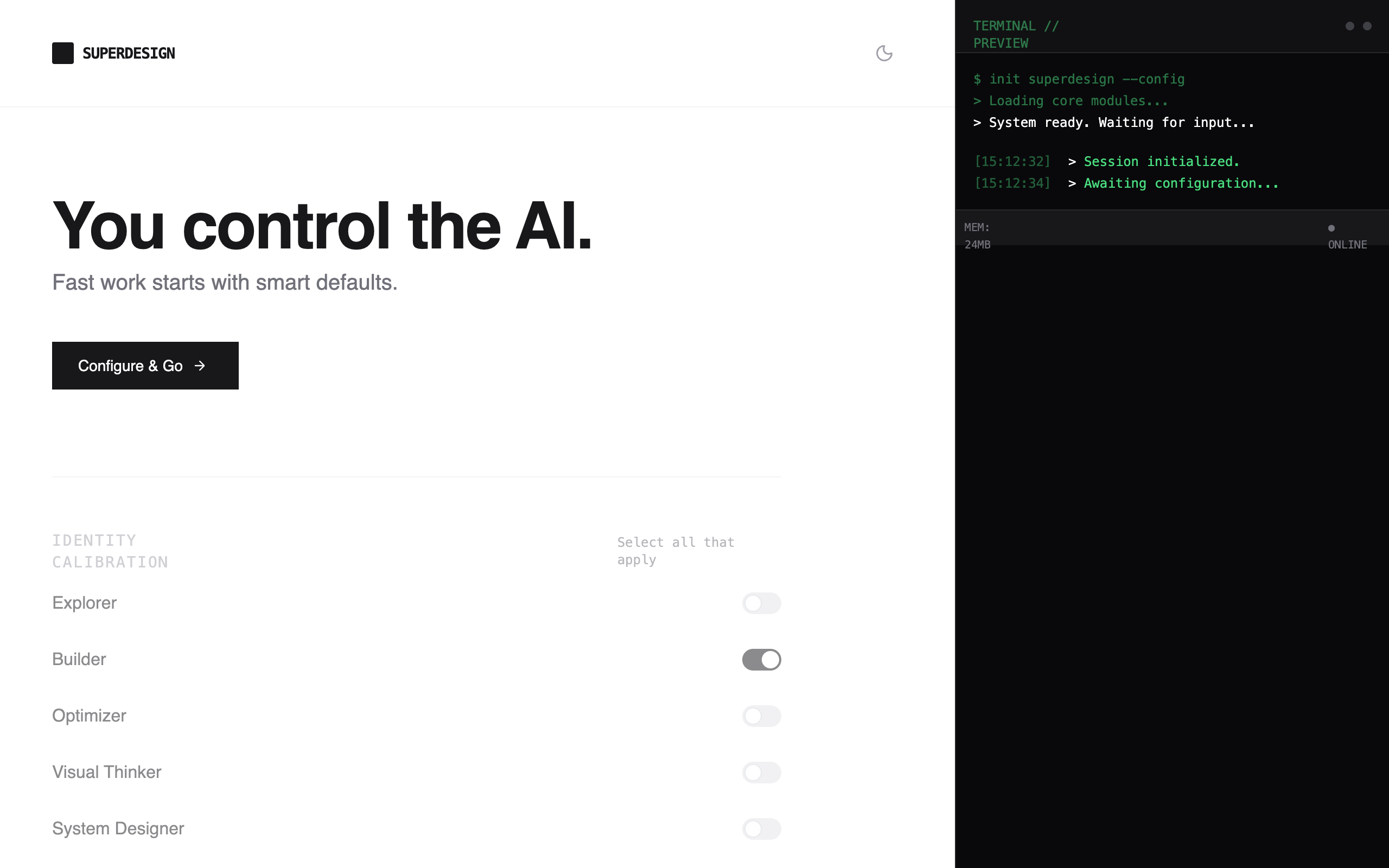
A minimalist, developer-centric configuration interface featuring a monochrome technical aesthetic. It utilizes a high-contrast dark/light mode, JetBrains Mono for system labels, and Inter for UI elements. Key features include an inline state-preview logging system, custom range sliders for AI intervention thresholds, and segmented controls for workspace density. Suitable for SaaS setup wizards, developer tools, AI configuration panels, and fintech dashboards that prioritize functional clarity and a 'terminal-lite' feel.
Summary
A clean, technical configuration wizard with a single-column layout, featuring real-time feedback through an inline state preview panel. It uses a monochrome palette (Zinc/Gray) with emerald accents for status indicators.
Style
The style is built on a 'Technical Minimalist' theme. It pairs Inter for legibility with JetBrains Mono for metadata and system updates. The color palette is strictly monochrome (Zinc 50 to 950) with a single accent color (Emerald #10b981) for 'Live' states. Components use sharp corners (rounded-sm) and subtle borders (#e4e4e7 / #27272a). Transitions are quick (150ms-200ms) to ensure a snappy, tool-like feel.
Layout & Structure
A focused single-column layout (max-width: 768px) centered on the page. The flow is linear, starting with a bold hero and ending with a status-driven action footer.
Header
Hero Section
Configuration Sections
State Preview Panel
Completion Footer
Components
Inline State Stream
A terminal-lite log panel for real-time user feedback.
Intervention Threshold Slider
A custom range input for selection granular control.
DNA Segmented Controls
Horizontal button groups for mode selection.
Special Notes
MUST: Maintain strict 3-4 line limit for the Inline Preview to prevent layout shift. MUST NOT: Use vibrant colors or rounded 'pill' shapes; keep it boxy and technical. MUST: Use monospace for all system outputs and labels to reinforce the 'workspace DNA' concept.