Design prompts for cards
A card is a small, self-contained box that holds one thing worth a click: a product, a person, an article, a metric, a plan. Nielsen Norman Group describes it as a container for a few short, related pieces of information that acts as the entry point to more detail, so the whole card is usually one clickable link. The ones that work do one job, rank their content (image, then title, then a line of meta, then a single action), keep one primary action, and look the same across the row. The prompts below are the most-copied card and component designs in the Superdesign library, from glassmorphism and glowing-edge cards to profile cards, bento grids, pricing cards and 3D tilt and stack effects. These are UI component cards, not greeting cards. Open any one to see the exact prompt behind it, then tweak the copy and generate your own editable version in seconds.
Glassmorphism card
A premium, high-tech glassmorphism design system characterized by deep translucent layers, dark-to-light transitions, and editorial typography. Featuring a 'Superdesign' aesthetic, it utilizes heavy background blurs, grain textures, and emerald accents. This style is ideal for SaaS, AI platforms, fintech, and high-end design agencies requiring a sophisticated, futuristic feel with bento-grid layouts and fluid animations.
Card Swap
An elegant card swapping animation component with depth perception and perspective. Features automated cycling of cards with a premium floating feel. Source: ReactBits
The "Stacking Cards" Effect
A portfolio section where cards stack sticky at the top as the user scrolls, creating a deck-of-cards effect using GSAP.
Colored, Glowing Edge Card
Original source: https://codepen.io/simeydotme/pen/RNWoPRj
Bento
A high-end, minimalist bento grid component with advanced interactive effects including spotlight, border glow, particles (stars), tilt, and magnetism. Designed for modern dashboards and landing pages. Source: ReactBits
Tilted Card
A premium tilted card component with 3D parallax effects, hover scaling, and a follow-the-cursor tooltip. Built with motion/react for smooth, physics-based interactions.
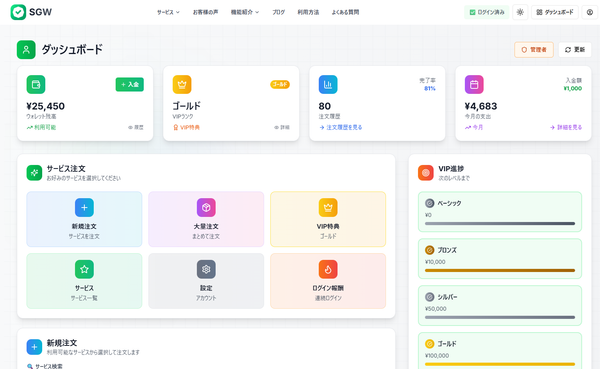
SGW - Enhanced Modal Interaction
Increase the height of the "今すぐ注文を確定する" (Confirm Order Now) submit button. Make it larger and more prominent - increase the padding and font size to make it a more substantial, clickable button that stands out more in the form.
Interactive Card Stack
A premium, interactive card stack component with drag-to-back physics, random rotations, and smooth motion transitions. Features autoplay, mobile-optimized interactions, and highly customizable animation configurations.
Card Nav
A premium, expandable navigation component with card-based submenu reveals and GSAP-powered height transitions. Designed for a high-end, minimalist aesthetic.
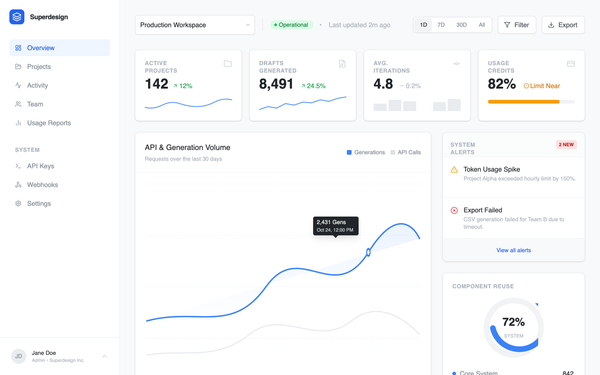
Analytics dashboard
Professional SaaS analytics dashboard design featuring a clean, enterprise-grade aesthetic. Utilizing a refined blue brand palette (#3B82F6), high-contrast gray scales, and dual-font pairing (Inter for UI, JetBrains Mono for data logs). The layout employs a classic sidebar-and-main-content structure with bento-style metric cards, interactive grouped bar charts, and technical event streams. Ideal for fintech, developer tools, cloud infrastructure monitoring, and complex data-driven enterprise platforms.
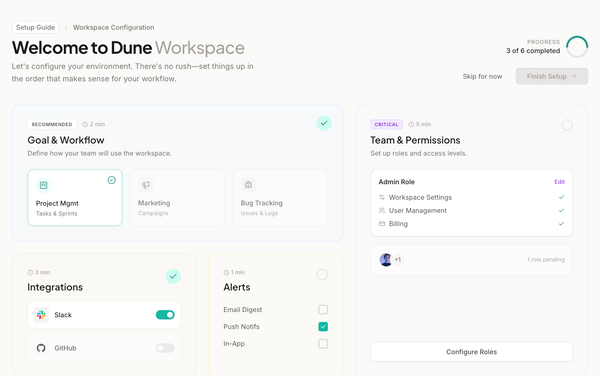
Bento Configuration Dashboard
Bento Configuration Dashboard style: A professional, non-linear SaaS onboarding layout using a modular bento grid. Features soft stone-neutral bases with a sophisticated teal accent (#14b8a6). Typography combines Plus Jakarta Sans for headings and Inter for UI elements. Designed for fintech, workspace management, and developer tools. Employs glassmorphism-lite with 20% opacity card tints, inset borders for depth, and smooth cubic-bezier transitions. Includes a circular SVG progress tracker and multi-state setup cards.
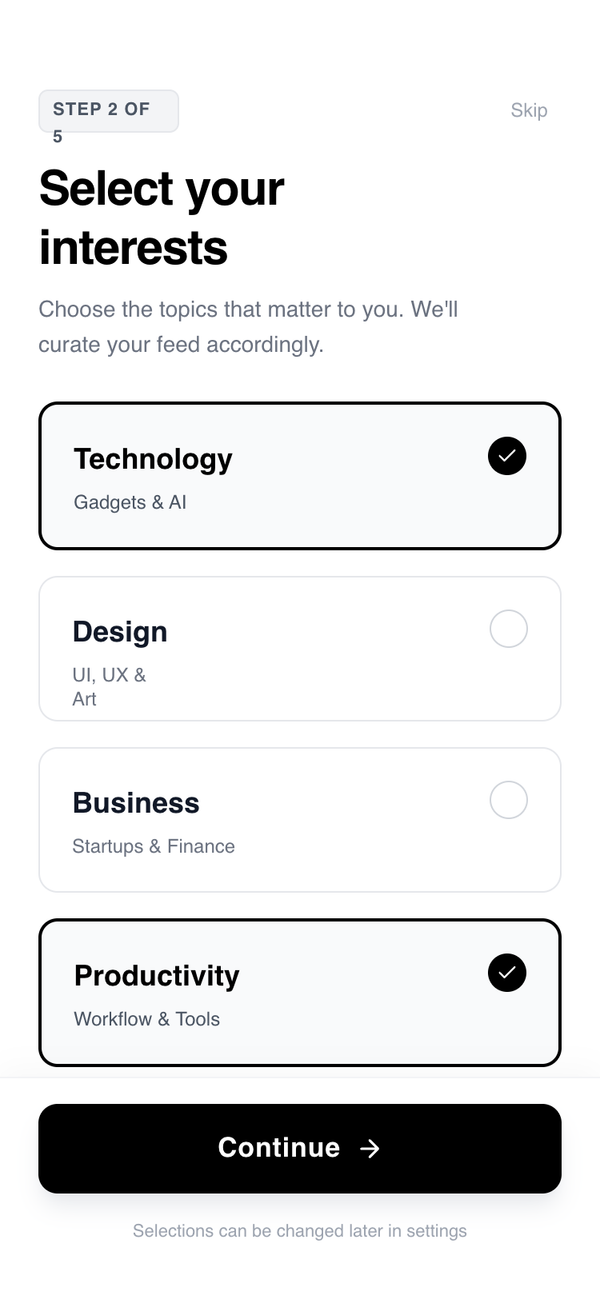
Account Setup Flow - Goals / Interests (Card-Based)
A sleek, minimalist, and highly interactive 4-step onboarding flow designed for mobile-first experiences. Features high-contrast black and white aesthetics, modern typography using General Sans, and fluid motion using the View Transitions API. Ideal for SaaS, fintech, or lifestyle apps needing a premium, frictionless user registration or configuration sequence. Key elements include a persistent progress bar, springy micro-interactions, and clear, bold editorial typography.
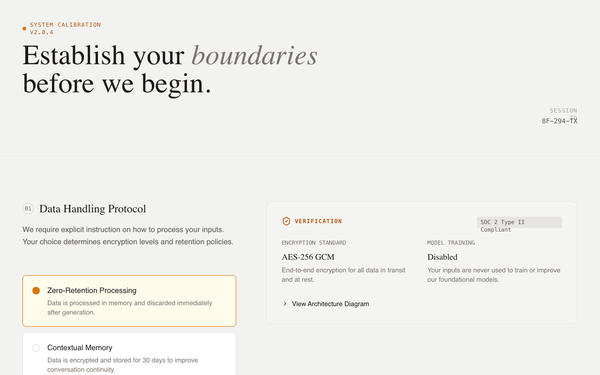
System Initialization - Trust & Transparency
A high-trust, technical briefing design system for AI onboarding and system initialization. Featuring an editorial typography approach with a warm, neutral color palette (Stone and Amber), it utilizes a two-column grid to balance user configuration with technical evidence. Ideal for fintech, cybersecurity, AI safety, or enterprise SaaS where transparency, data privacy, and ethical alignment are core product values. The layout emphasizes vertical rhythm, semantic depth, and clear decision-making through structured guidance and live-updating evidence cards.
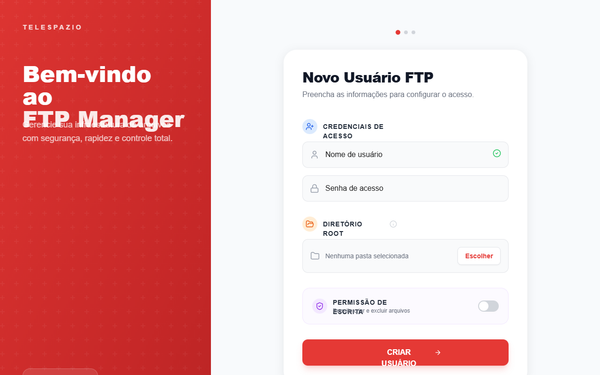
Modern Card-Based FTP Manager
A sophisticated, card-based administrative interface featuring a high-impact split-screen layout. It utilizes a vibrant red branding (#e53935) contrasted with clean off-white surfaces and geometric patterns. Ideal for SaaS dashboards, FTP/cloud storage managers, fintech portals, and professional infrastructure tools. Highlights include glassmorphic elements, smooth 8-second gradient animations, and iOS-style interaction components.
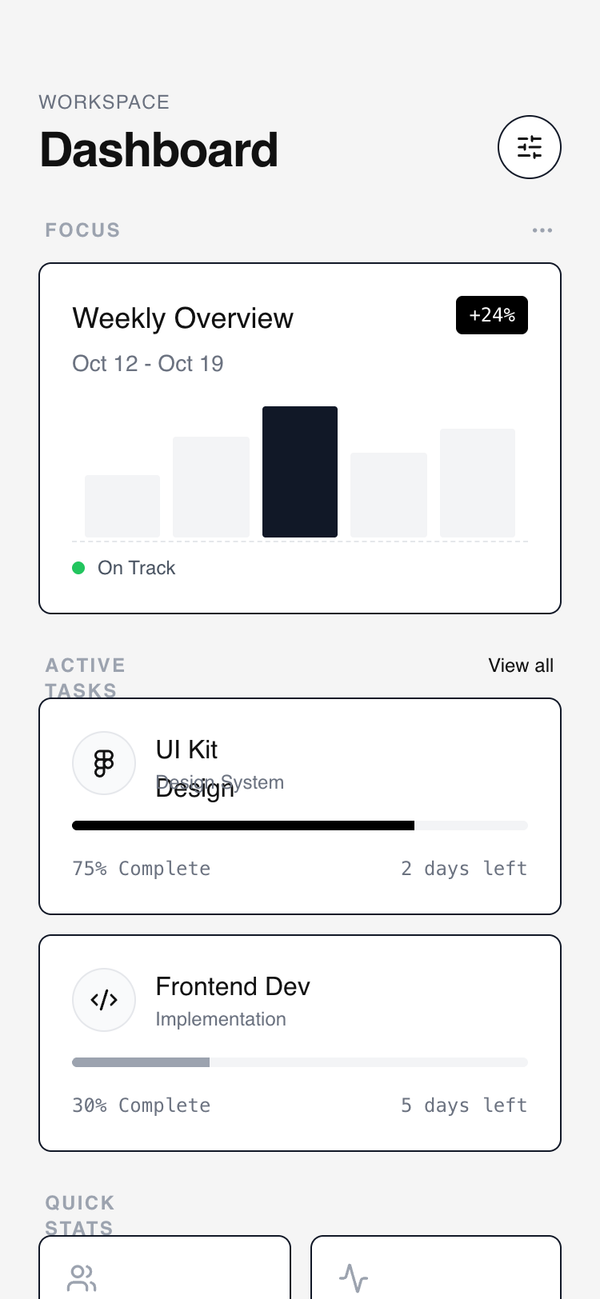
Modular Card Dashboard
A high-contrast wireframe dashboard style featuring a modular card-based system. Characterized by a 'neubrutalism-lite' aesthetic with heavy black borders, hard shadows on hover, and a strict grayscale palette. It utilizes clean editorial typography (Switzer) and a minimalist approach to data visualization. Perfect for SaaS management tools, fintech mobile apps, developer dashboards, and productivity interfaces where structural clarity and modularity are prioritized over colorful decoration.
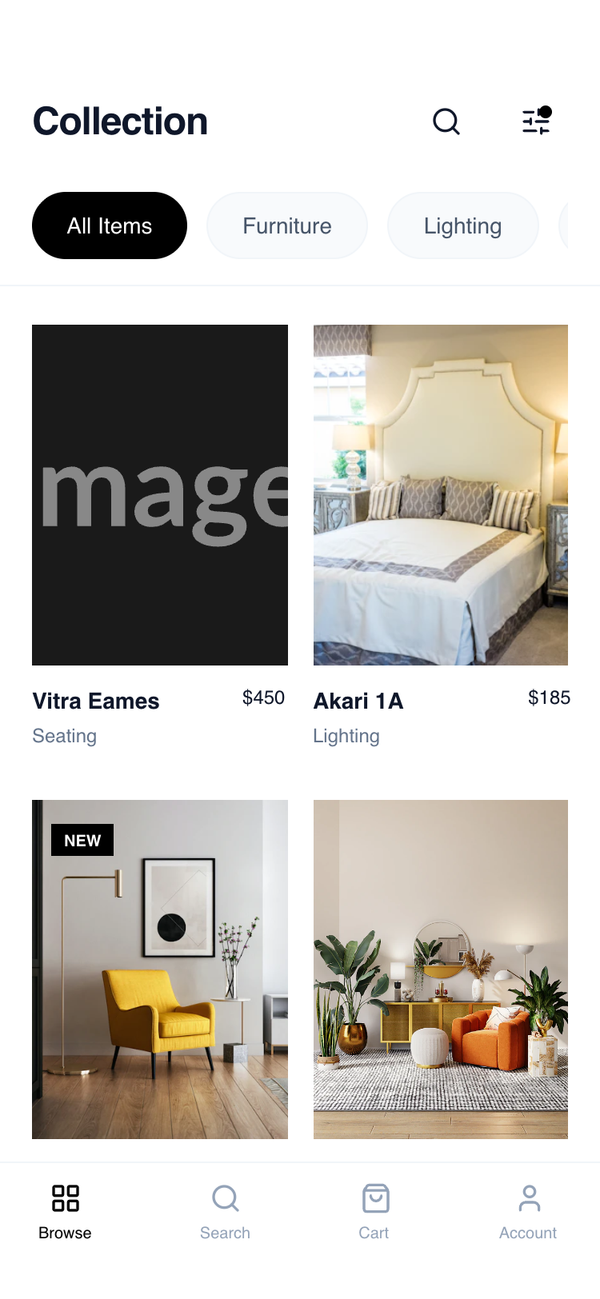
Card Grid Browse
A sophisticated, mobile-first product browsing layout emphasizing whitespace, clean typography, and a stable 2-column grid. The design utilizes a monochrome base with slate-toned neutrals to create a high-end 'boutique' feel, prioritizing product imagery and effortless navigation. Suitable for premium furniture, fashion, architecture, or design-focused platforms.
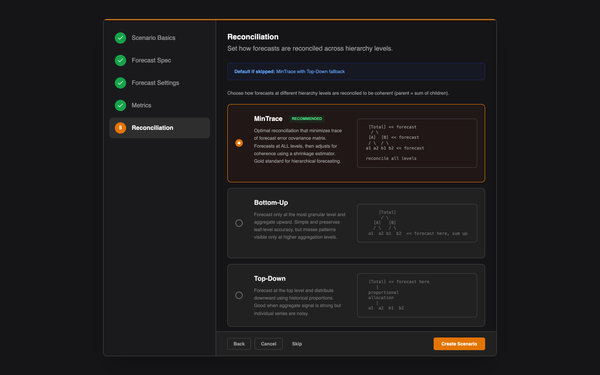
Reconciliation Wizard - Vertical Cards
A high-precision dark-mode wizard interface for technical configurations, featuring a vertical card system for complex choices. This design system is optimized for data-heavy applications, fintech platforms, or scientific tools that require granular control and clear hierarchy. It utilizes an industrial color palette of deep grays (#151517, #212121) paired with a high-visibility orange accent (#e37400). Key elements include ASCII-based visualization blocks for technical clarity, a persistent sidebar for multi-step navigation, and compact, metadata-rich typography using the Inter font family.
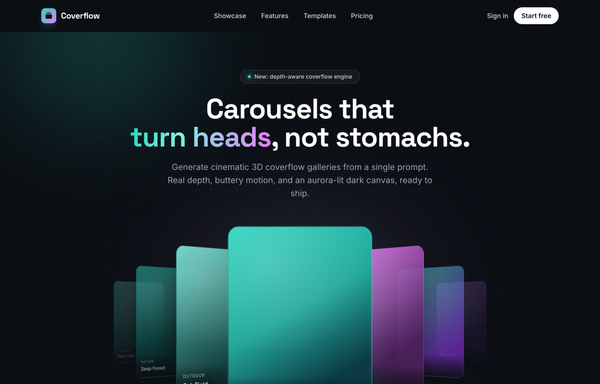
Coverflow - Carousels that turn heads (dark coverflow aurora)
A dark, aurora-lit 3D coverflow carousel landing page: a sticky frosted-ink nav, then a centered hero (a 'depth-aware coverflow engine' status pill, a big 'Carousels that turn heads, not stomachs.' heading whose 'turn heads' is teal-to-magenta gradient text, and a soft lead) wrapping a real CSS 3D coverflow stage. Seven gradient cards sit on a 1600px perspective stage: the active card faces front with a teal glow ring while neighbours rotate ~42-48deg and recede in Z, scaling and fading by distance, each card carrying a top-left sheen and a bottom gradient label. Below the stage, a round glass prev button, pill dots (active = a wide teal-to-magenta gradient bar), and a next button; clicks, dots, arrows and the left/right keys re-lay the stage. Then a CTA pair, a grayscale logo strip, a 3-up glass feature grid, a 'from prompt to motion' showcase split with a faux terminal card, a gradient-thumb templates grid, a dark gradient CTA, and a social footer. Inter + Space Grotesk fonts, near-black ink #0b0f14 ground, aqua #2dd4bf + magenta #e879f9 accents, glass panels and aurora blobs, Iconify Phosphor icons; responsive geometry drops far cards on small screens and collapses the nav into a hamburger.
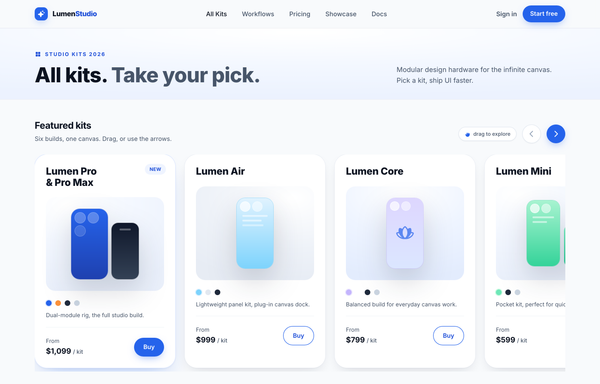
All Kits. Take Your Pick. - LumenStudio Kit Carousel
A light, Apple-Shop-style product-card carousel: a horizontal scroll-snap track of tall white kit cards (the first highlighted with a 'New' badge + cobalt ring + lift, the next peeking past the right edge), circular prev/next arrows, color-swatch dots, and a thin cobalt progress bar with an 01/06 counter, all on near-white surfaces with a single cobalt-blue accent and Inter type.
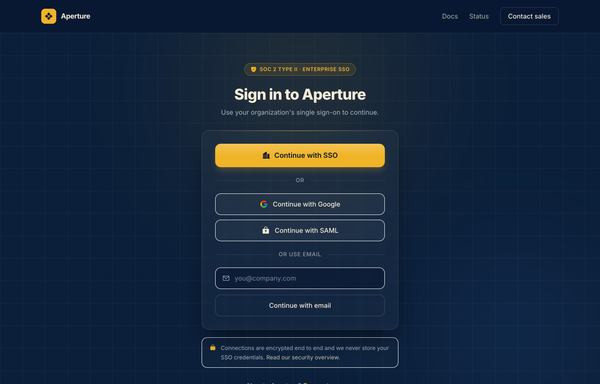
Aperture - Enterprise SSO Sign-In (Navy & Amber)
Enterprise SSO sign-in screen on deep navy with a single amber accent: a SOC 2 trust badge, a primary 'Continue with SSO' button, Google/SAML fallbacks and an email field, all in one centered glass card over a soft amber-glow ambient background. Inter, single-accent navy + amber.
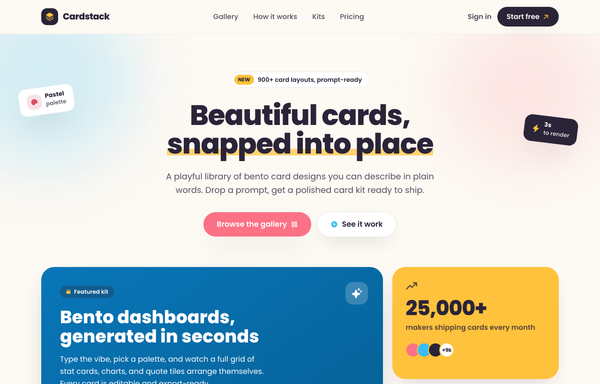
Cardstack - playful bento card designs
Playful candy-pastel bento card-library landing page ('Cardstack - Beautiful cards, snapped into place') on a warm cream canvas: a sticky cream glass nav, a centered hero with a sunny highlighter headline and rotated floating sticker chips, and a colorful bento grid whose 2x2 deep-sky gradient feature card (with a nested mini-bento preview) anchors sunny stat, coral quote, white mini-stat and ink CTA cards, plus a How-it-works band, a gradient-header kit grid, and an ink-gradient pricing banner. Cream + sky + coral + sunny + ink, set in Poppins with Phosphor icons; cards wiggle and tilt on hover.
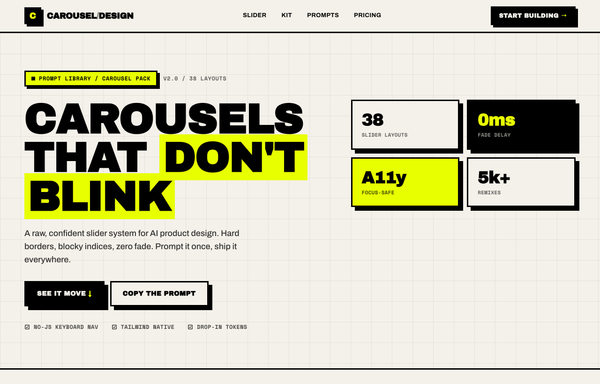
Carousel Design - Brutalist Slider
A raw neo-brutalist slider carousel built as a complete one-screen 'Carousel/Design' landing on an off-white paper palette (#f4f1ea) with pure-black ink and a single acid-yellow accent (#e8ff00). Hard 3px black borders, blocky offset drop shadows (8px 8px 0 #000), heavy Archivo Black uppercase headlines and Space Mono labels. A sticky paper nav with a square 'C' logo sits over a grid-paper hero (a 'CAROUSELS that don't blink' headline with an acid highlight + a 2x2 brutalist stat-slab grid). The centerpiece is a no-JS radio-driven BRUTALIST SLIDER: a bordered slide panel with a hard acid+ink offset shadow, chunky square prev/next arrow buttons, an oversized blocky numeral index in an inverted ink/acid slab, and a row of 3 square index buttons; three slide layouts (acid 'Stacked panel', paper 'Split feature', inverted-ink 'Invert hero') snap with zero fade. Below: a scrolling ink marquee strip, a 6-up bordered feature 'Kit' grid, a 'prompt.txt' code slab with acid-highlighted tokens, a 3-tier brutalist pricing grid, an acid CTA band and a paper footer. Archivo / Archivo Black / Space Mono, Iconify Phosphor icons, tactile press (buttons travel on click), fully responsive.
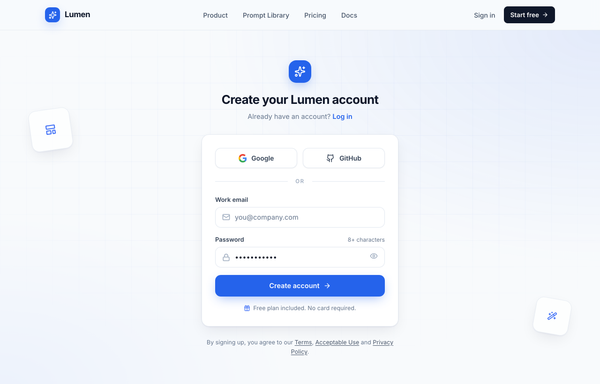
Create your Lumen account - centered card (cobalt)
Centered single-column signup card on a light slate canvas with a sticky blurred nav, Google/GitHub social auth, an email + password form, and a cobalt CTA over a quiet engineering-grid background.
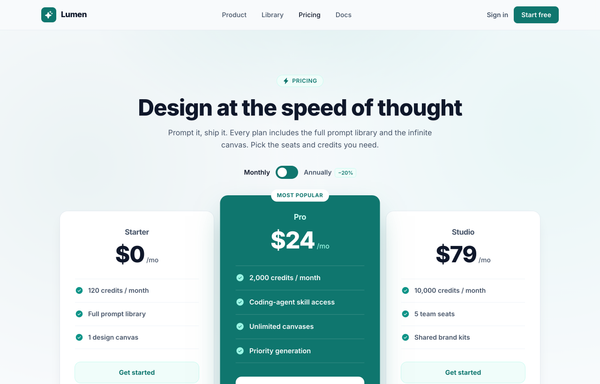
Design at the Speed of Thought - Lumen Pricing Tiers
Light SaaS pricing section with a teal accent: sticky glass nav, centered heading + monthly/annually toggle, and a 3-tier card row where the middle 'Pro' tier is a scaled-up, solid-teal 'Most popular' card flanked by two white ghost cards.
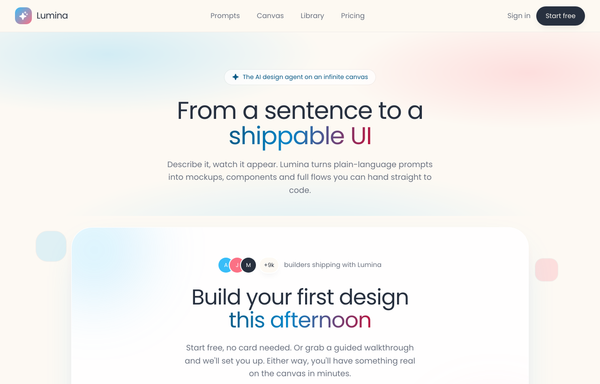
Dual-CTA card (pastel) - contrast fixes applied
Warm pastel SaaS landing on a cream field with a sky-blue + coral two-tone gradient, all in Poppins, anchored by a centered white rounded-5xl dual-CTA card floating with a soft two-tone shadow, inner glows, bobbing decor squares, a sky-gradient primary pill beside a coral-outline secondary, and a gradient-clipped headline phrase.
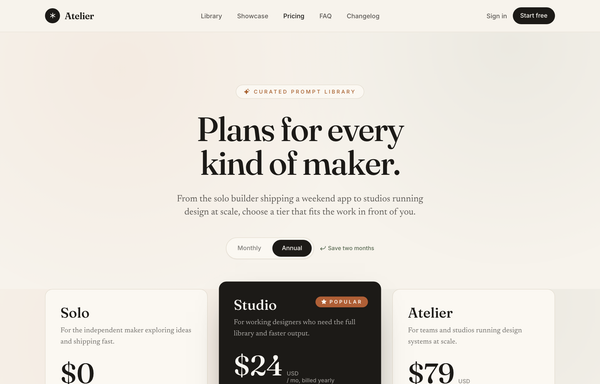
Editorial Serif Atelier Pricing
A warm, magazine-style 3-tier SaaS pricing page on cream paper with oversized serif type, terracotta accents, a monthly/annual pill toggle, and a single inverted dark 'Popular' tier.
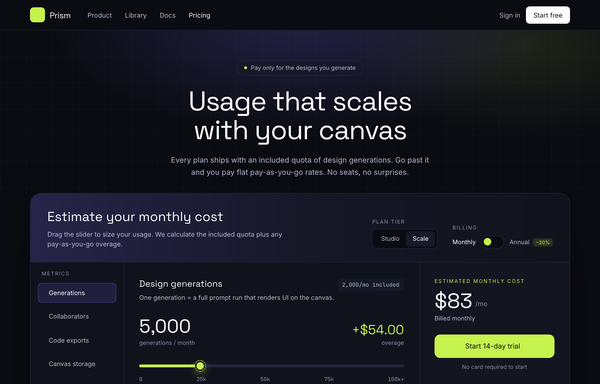
Electric Dark Usage-Based Pricing Calculator
An electric dark dev-tool pricing page built around an interactive slider calculator that live-computes included quota plus tiered pay-as-you-go overage, with a lime accent, a highlighted plan card row, and an FAQ accordion.
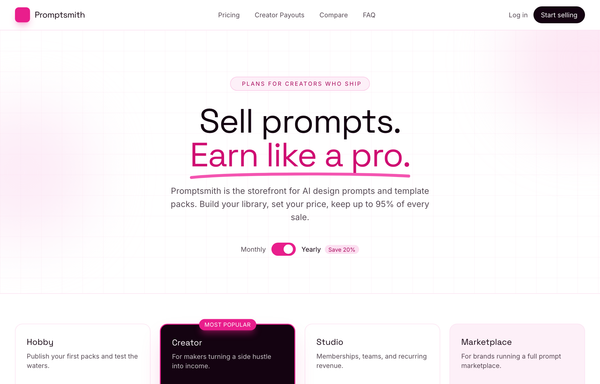
Electric Magenta Creator-SaaS Pricing
A bright-white creator-marketplace SaaS pricing page with an electric magenta accent, a billing toggle, four tier cards (dark inverted 'Most popular'), a magenta earnings stat band, and a grouped comparison table.
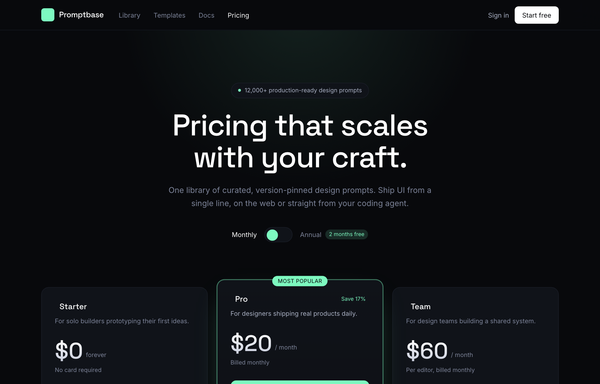
Electric Mint Dark Dev-Tool Pricing
A frameless dark-mode SaaS pricing page with a 3-tier card grid, monthly-annual toggle and a glowing electric-mint highlighted plan, built for developer and design tools.
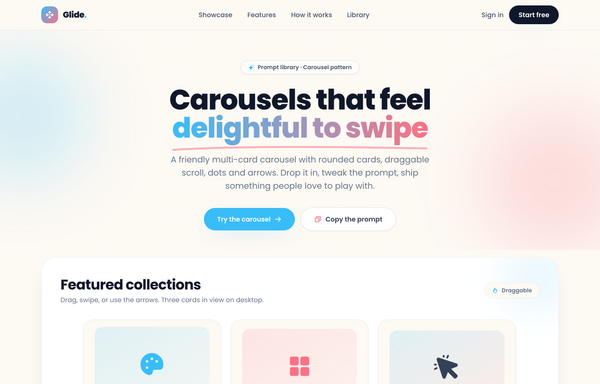
Glide - Carousels that feel delightful to swipe
A cheerful, friendly multi-card carousel built as a complete one-screen 'Glide' landing on a warm cream palette with a sky-blue + coral gradient accent. A sticky translucent cream nav over a centered hero (a 'Prompt library . Carousel pattern' pill eyebrow, an extrabold 'Carousels that feel delightful to swipe' headline whose 'delightful to swipe' runs a sky-to-coral gradient clip under a hand-drawn coral underline squiggle, a muted intro line, and a 'Try the carousel' / 'Copy the prompt' button pair). Then the carousel inside a big white rounded showcase panel: a 'Featured collections' meta row + a 'Draggable' pill above a draggable, scroll-snapping track of rounded cream cards (three in view on desktop, two on tablet, one peeking on mobile), each with a floating gradient icon tile, a numbered category pill, a title, a description and a swatch/feature footer, driven by rounded prev/next arrows that hover to the accent color and a dot-pagination row whose active dot stretches into a sky pill. Below: a full-bleed white 'Why Glide' feature band (a three-up card row), a 'How it works' two-column section with a floating 'prompt.txt' code-card mock, a full-bleed sky-to-coral gradient CTA panel, and a cream footer. Poppins throughout, Iconify Phosphor icons, cheerful and soft.
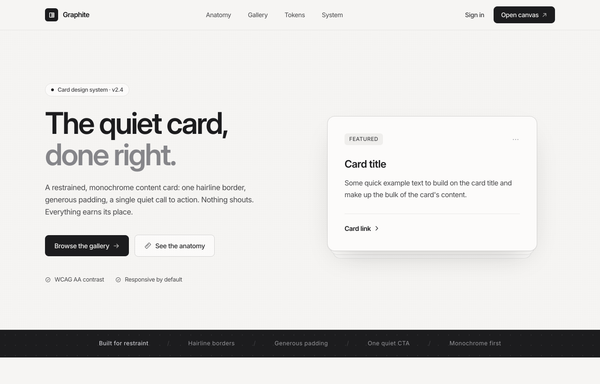
Graphite - Cards in monochrome
Restrained monochrome card design-system landing page ('Graphite - the quiet card, done right') with no brand color: a sticky paper glass nav, a split hero with a featured card floating over a ghost-card stack, a dark principles marquee, an annotated Anatomy + spec list, a 3-up Gallery with one inverted dark focal card, a five-swatch Tokens palette, and a dark 'copy the component' CTA, all in graphite + platinum + paper, set in Inter with Phosphor icons.
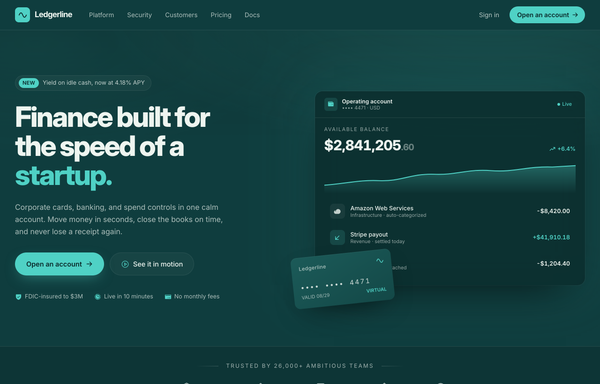
Ledgerline - Deep-Teal + Mint Fintech Startup (Dashboard Hero)
A trustworthy deep-teal fintech-startup landing page with a mint accent and cream text: a split hero with a product dashboard mock and a floating virtual card, a bento feature grid, a stats traction band, a security certifications grid, and a glowing CTA.
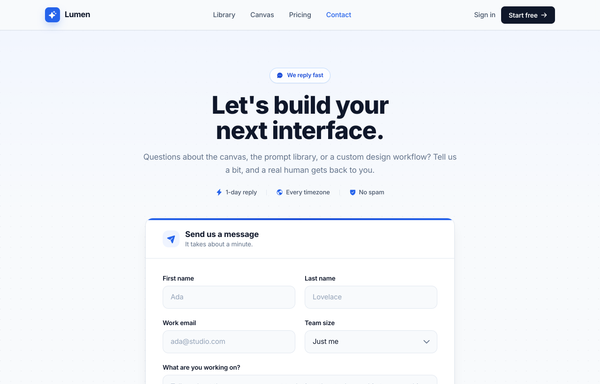
Let's build your next interface - Cobalt Contact
Full-bleed cobalt-on-white contact page for an AI product-design tool (Lumen): a sticky translucent nav and a centered 'Let's build your next interface.' headline with a 1-day-reply / every-timezone / no-spam trust line over ONE centered white card -- a 'Send us a message' header strip above a form (a first/last name row, a work-email + team-size select row, a 'What are you working on?' textarea, a Product/Billing/Partnership topic chip row and a cobalt 'Send message' CTA) topped by a cobalt gradient hairline -- then a labelled 'Other ways to reach us' divider into three hover-lift info cards (Help center / Community / Developer API) and a slim footer.
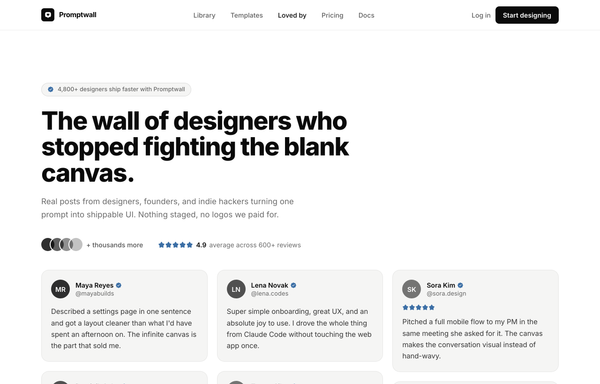
Loved by builders - Promptkit testimonial wall (mono tweet wall)
A calm Twitter/X-style 'wall of praise' testimonial section on clean white with warm-grey tweet cards, monochrome initials avatars and a single muted slate-blue accent for stars and verified ticks, laid out as a responsive CSS-columns masonry under a sticky nav, with an aggregate '4.9 average' trust row and a closing 'add your post to the wall' CTA. Inter, Iconify Solar.
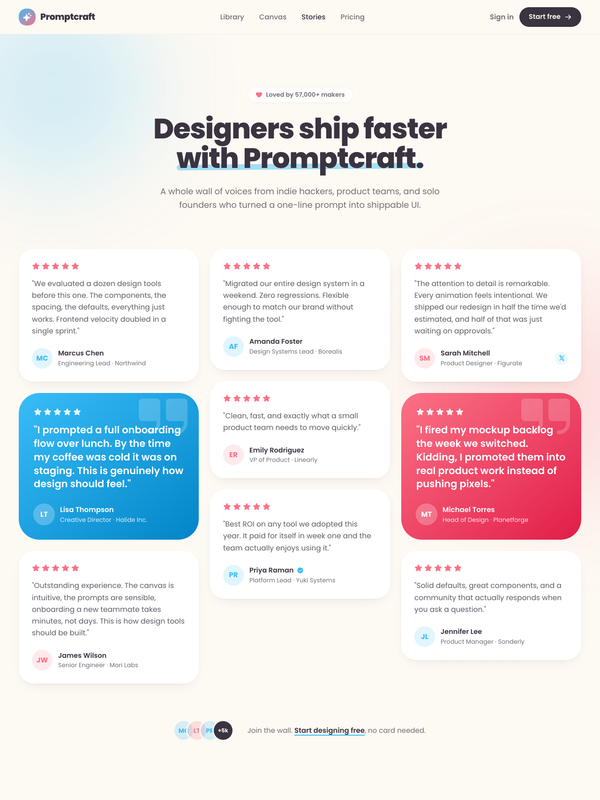
Loved by makers - a pastel masonry wall of designer voices
Bright pastel testimonial MASONRY WALL section for a prompt-to-UI product: a sticky frosted-cream nav, a centered header (heart 'Loved by 57,000+ makers' chip + a Poppins extrabold headline whose tail sits over a hand-drawn sky highlight swipe), and a true CSS-columns masonry wall (1/2/3 responsive) of testimonial cards, mostly plain white with two oversized HIGHLIGHTED gradient cards woven in (one sky #38bdf8, one coral #fb7185) carrying white text, a giant corner quote-mark and a glassy avatar. Coral five-star ratings, initials avatars, a sky verified seal + an X-share badge, and a footer CTA strip (overlapping +5k avatar cluster + 'Join the wall. Start designing free'). Soft pastel shadows with hover lift over a dotted-grain + ambient sky/coral glow ground. Poppins, Iconify Phosphor icons, vanilla-JS hamburger menu.
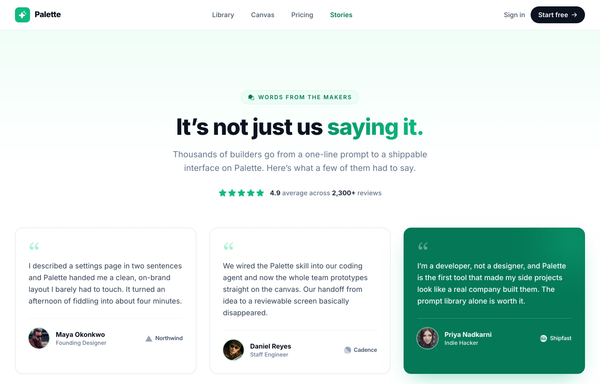
Loved by the people who ship - quote-grid-emerald testimonial section
Trust-forward testimonial section in a fresh emerald-on-white palette: a centered heading ('It's not just us saying it.' with an emerald gradient tail), an emerald eyebrow pill, a 4.9 / 2,300+ five-star rating strip, and a responsive 1/2/3-column grid of six testimonial cards (oversized serif quote marks, emerald-ring avatars, brand logos) over a masked emerald dotted field, with one inverted emerald-700 featured card and a six-logo trust strip. Inter + Georgia quote marks, Phosphor + simple-icons via Iconify.
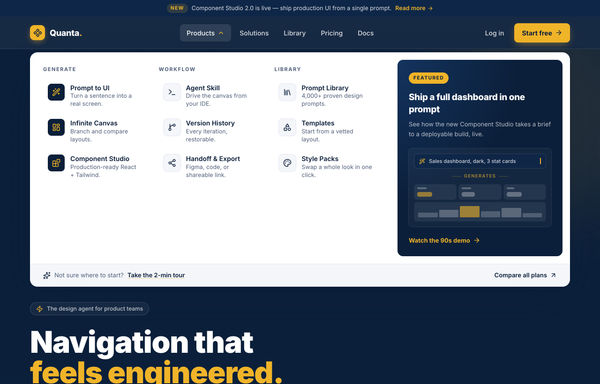
Mega-Menu Navy - navbar (improved per critic)
Corporate-calm mega-menu navbar: a sticky deep-navy bar (#0b1f3a) with an amber accent (#f0b429), an announcement strip above and a wide white drop-down mega-menu below: three labeled link columns (icon + title + one-liner) plus a navy gradient 'Featured' card with a prompt-to-UI micro-interaction. Inter, rounded-lg controls, one high-contrast amber CTA, and a clean responsive collapse to a navy accordion drawer. Light page, dark header.
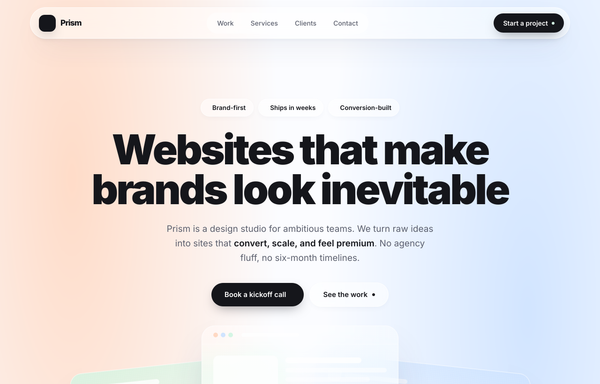
Prism - Frosted-Glass Pastel Agency Studio
A light, frosted-glass pastel agency studio homepage on a soft mesh-gradient canvas (off-white #fbfcff washed with peach #ffd8c2, sky #cfe3ff, and mint #d3f5e3 radial blooms): a floating pill-shaped glass sticky nav, a centered black-on-pastel hero (huge Inter-black headline, glass pill badges, a dark pill CTA + a glass 'See the work' pill) over fanned, overlapping translucent glass UI cards, a faded trust logo strip, a frosted bento work grid with one dark stat card (+240%), a big glass services panel with a dark featured 'Most loved' card, a three-up testimonial row with a dark feature quote, a frosted closing CTA, and a clean glass-divided footer. Award-winning soft-pastel glassmorphism with near-black #15161b ink.
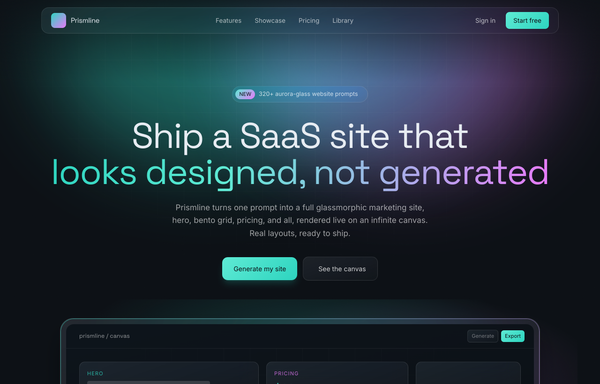
Prismline - Aurora Glass: Ship a SaaS Site That Looks Designed, Not Generated
A premium dark aurora-glass SaaS marketing site: frosted pill nav, duotone aqua-to-magenta hero, a floating infinite-canvas mockup, a 6-card feature grid, bento showcase, 3-tier pricing with a featured Pro plan, and a glass footer.
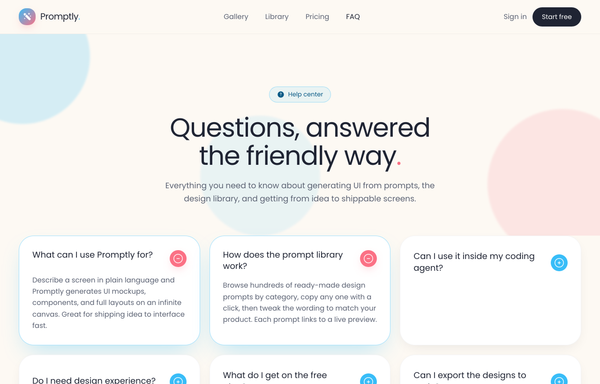
Promptly - FAQ (card-grid-pastel)
A friendly, light-mode card-grid FAQ section on a warm cream marketing page: a sticky frosted-cream nav, then a centered header (a 'Help center' eyebrow pill, a big two-line 'Questions, answered the friendly way.' heading with a coral period, and a soft lead) over three pale blurred color blobs, then a responsive 1 / 2 / 3-column grid of rounded-4xl white FAQ cards. Each card is a native <details> disclosure with a circular toggle (sky-blue plus that flips to a coral minus when open) and a smooth grid-template-rows height reveal; open cards lift on a sky-tinted shadow and glow border. Closes with a dark-navy gradient CTA strip ('Can't find your answer?' + a white 'Chat with us' button and a ghost 'Browse the docs' button, over soft coral/sky glows) and a light social footer. Poppins font, cream #fdf9f3 ground, sky #38bdf8 + coral #fb7185 accents, ink #1f2433 text, Iconify Solar icons.
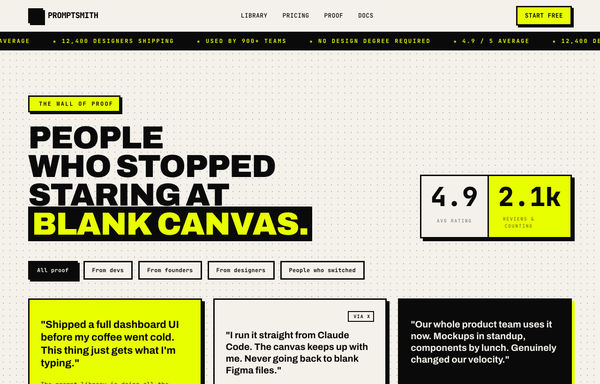
PROMPTSMITH // People Who Stopped Staring at Blank Canvas
Loud neo-brutalist testimonial 'wall of proof' section for a prompt-to-UI product, on warm paper #f4f1ea with near-black ink #0a0a0a and ONE electric acid-lime accent #e8ff00. A sticky paper nav (ink + acid lightning logo, mono links, acid 'Start free' pill) over an ink->acid scrolling rating MARQUEE, then over a dotted-grain ground: a four-line Archivo-black headline ('PEOPLE / WHO STOPPED / STARING AT / BLANK CANVAS.' with the last line knocked out acid-on-ink) beside a two-cell 4.9 / 2.1k stat block, a row of filter pills, and a responsive 1/2/3-col grid of neo-brutalist testimonial cards (3px ink borders + 6px HARD offset shadows: a paper star card, an acid feature card, an inverted ink card with an acid hard-shadow, an acid pull-quote card with a giant quote glyph) with 'via X' + verified-seal trust accents and square ink/acid initials tiles. Closes on an inverted ink CTA strip ('GOT A WIN TO SHARE?' + an acid 'Leave a testimonial' pill). Archivo + JetBrains Mono, Iconify Phosphor, CSS marquee.
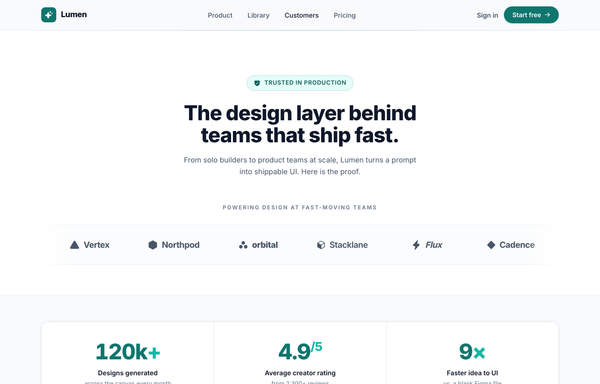
Proof, Stacked: Logo Wall + Metric Trust Strip + Featured Quote (Deep-Teal)
Stacked, trust-forward social-proof page in a single deep-teal-on-white palette: a centered heading with a 'Trusted in production' badge over a masked six-logo logo wall, a three-up hairline-divided metric trust strip (120k+ designs, 4.9/5 rating, 9x faster) with tabular-nums teal numbers and hover top-bars, and a featured-quote card (oversized serif quote mark, five-star 'Featured story' chip, big pull-quote, gradient monogram byline + brand lockup) over a faint teal grid and soft teal glow, closing on a 'Verified customer story' seal line. Inter + Georgia quote mark, Phosphor via Iconify.
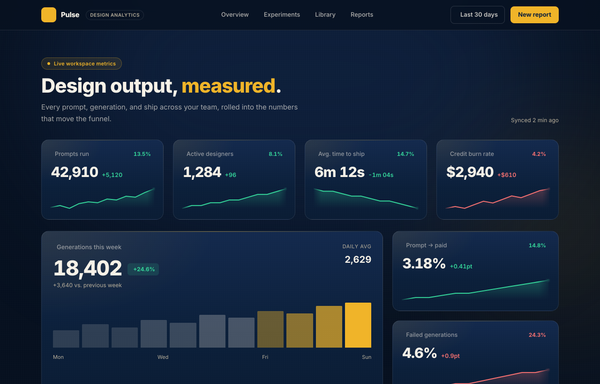
Pulse - Design Output, Measured
Dark navy analytics dashboard with amber accents: sticky glass nav, hero, a 4-up grid of stat cards with SVG sparklines, plus a featured big-number card with a bar sparkline.
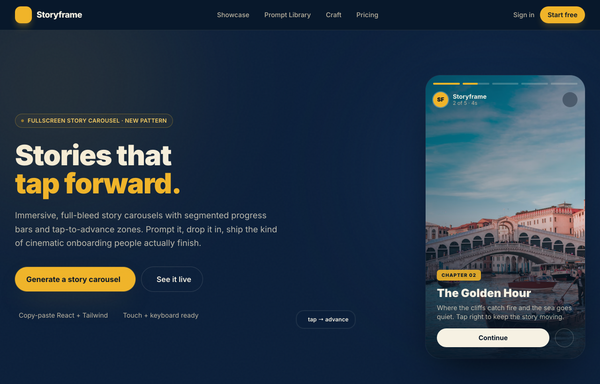
Storyframe - Stories That Tap Forward
A cinematic, full-bleed fullscreen story carousel built as a complete one-screen 'Storyframe' landing on a deep-navy palette with a single amber accent and warm cream text. A sticky translucent navy nav over a two-column hero: a 'FULLSCREEN STORY CAROUSEL . NEW PATTERN' pill eyebrow with a pulsing amber dot, a black 'Stories that tap forward.' headline (amber highlight), a cream intro and a 'Generate a story carousel' / 'See it live' button pair, beside the centerpiece: a 9/16 phone-shaped story-card mock with five segmented progress bars across the top (one animating on a 5s fillbar keyframe), a story meta row (an 'SF' avatar + 'Storyframe' + '2 of 5 . 4s'), left/right tap-to-advance zones that reveal a circular arrow on hover, and a bottom caption block (a 'Chapter 02' amber tag, a 'The Golden Hour' title, a Continue + bookmark button row), with a floating 'tap -> advance' accent card. Below: a trust strip, a 'Showcase' three-up full-bleed story-card gallery (each reusing the segmented-bars + tag + caption pattern), a full-bleed 'Prompt Library' two-column section with a 'story-carousel.prompt' code card, a 6-up bordered 'Craft' feature grid, a full-bleed gradient CTA panel and a navy footer. Inter throughout, Iconify Solar icons, immersive and cinematic.
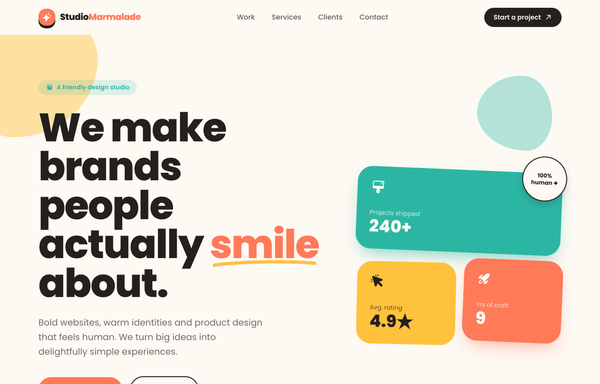
Studio Marmalade - Make Brands People Smile About
A warm, playful pastel agency-website homepage for a friendly design studio: a cream #fdf9f3 canvas with a coral #ff7a59 / teal #2bb6a3 / sunny-yellow #ffc23c trio on near-black ink #23201d, heavy Poppins type, a sticky glassy nav, a split hero (big headline with a coral 'smile' under a hand-drawn squiggle + a floating bento stat collage), an infinite dark service marquee with outline stroke-text, a colorful 5-card work grid, a services trio, a client logo row, a big coral CTA panel, and a dark 4-column footer. Friendly-maximalist craft: chunky hard-offset ink drop-shadows that press on hover, organic floating blob shapes, and gentle floaty/spin animations.
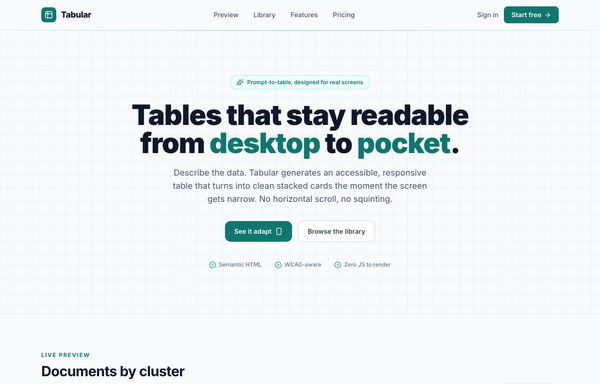
Tabular - Responsive table-to-cards (teal), legibility fixes applied
Light-mode 'Tabular' product page built around one responsive data table that is a real desktop table on wide screens and collapses each row into a labeled stacked card below 920px, in pure CSS with no JavaScript: teal accent on near-white, status pills, tabular-nums columns, a sticky blurred nav, a dark prompt-library strip, and a teal CTA band.
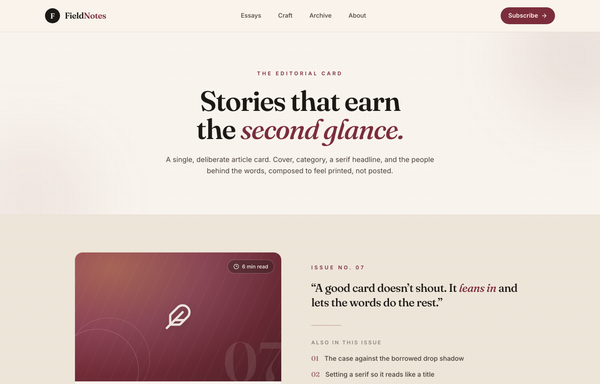
The Editorial Card - a blog-article card that earns the second glance
Warm editorial blog-article card on a printed-paper canvas: a sticky cream glass nav, a centered serif hero, and a single deliberate article card (burgundy duotone cover with a feather motif and an oversized '07' numeral, a category+date meta row, a serif headline with a grow-on-hover underline, an excerpt, and a monogram author row) beside an editorial rail, in cream + ink + a single burgundy accent, set in Fraunces serif + Inter.
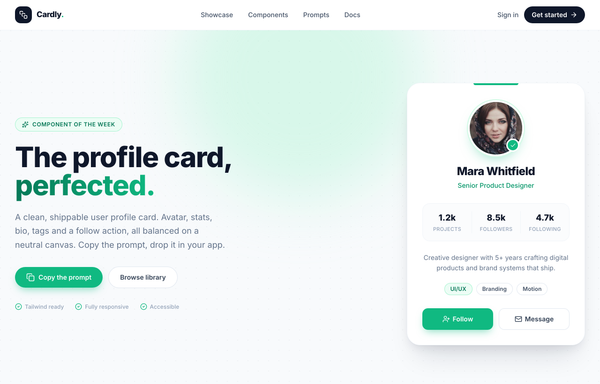
The profile card, perfected - Cardly component showcase
A clean white-card profile card showcase on a soft dotted slate canvas with a single emerald accent: the hero pairs a bold 'The profile card, perfected.' headline (emerald gradient on the last word) with the star component, a 380px rounded white profile card holding a ringed circular avatar + verified badge, name and role, a 3-column stat row (Projects / Followers / Following), a short bio, skill tags, and a Follow + Message action pair. Below: a 4-up 'built from deliberate parts' anatomy grid, a full-bleed dark copy-the-prompt code panel, and a footer. Inter, slate 'ink' neutrals + emerald accent, sticky translucent blurred nav, reflows from a 2-col hero to a single column below lg.
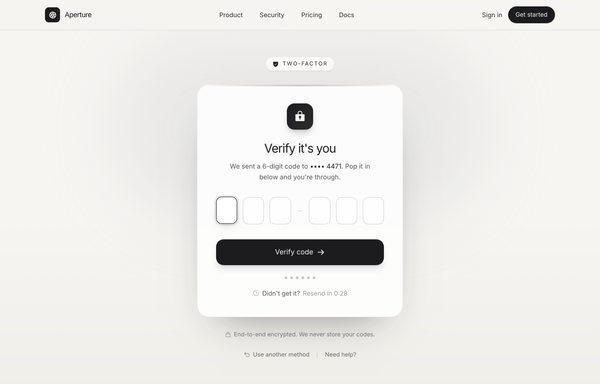
Verify it's you · Aperture (OTP / 2FA, graphite-platinum)
OTP / two-factor verification screen on warm paper with a graphite + platinum palette: a Two-factor eyebrow pill, a glass card with a lock icon, six single-digit code boxes, progress dots, a live resend countdown and a Verify code button. Inter, light mode, no saturated color.
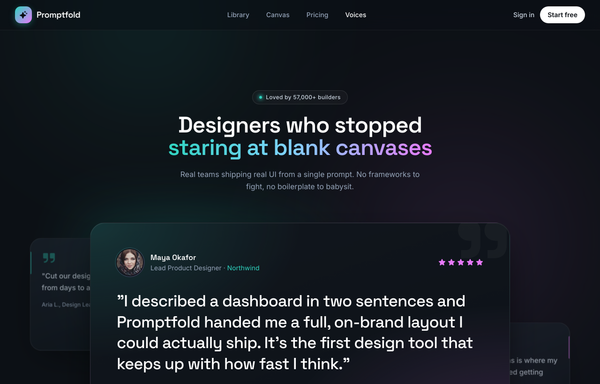
Voices from the Canvas - Aurora Carousel
Dark aurora-glow testimonial CAROUSEL section for a prompt-to-UI product: a sticky glass nav, a centered header (live-dot 'Loved by 57,000+ builders' badge + a Space-Grotesk headline whose tail is painted in an aqua->sky->magenta aurora gradient), and a big glass 'stage-card' carousel holding the active testimonial (aurora-ring avatar, name/role with the company in aqua, five magenta stars, a large pull-quote, a hairline divider, animated aqua->magenta pagination pill + glass/solid-white prev/next arrows), with two rotated, floating ghost peek cards behind it and a three-up trust-stats strip (4.9/5, 120k+, 9x) below, over a grain + ambient aqua/magenta glow ground. Space Grotesk + Inter, Phosphor icons, vanilla-JS slide engine.
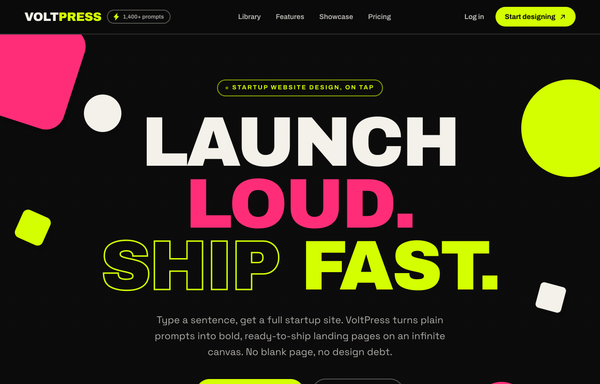
VOLTPRESS - Ship a startup site that screams (acid-maximalist)
Acid-maximalist startup website: near-black ink base with electric acid-lime (#d4ff00) and hot-pink (#ff2d78) accents, oversized Archivo Black display headlines (some outline/stroke), a sticky blurred nav, floating color-block blobs, an infinite scrolling marquee strip, a bento color-tile library grid, a loud hot-pink feature + stats band, and a giant CTA.
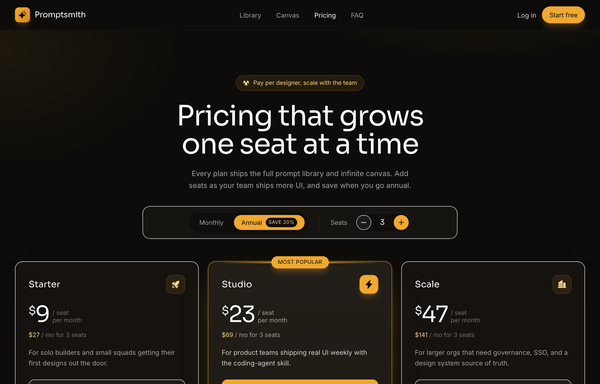
Warm Amber Dark Per-Seat SaaS Pricing
A dark, warm-charcoal SaaS pricing page with an amber accent and a live per-seat calculator: a monthly/annual toggle plus a seat stepper recompute every tier price and team total across a 3-card grid.
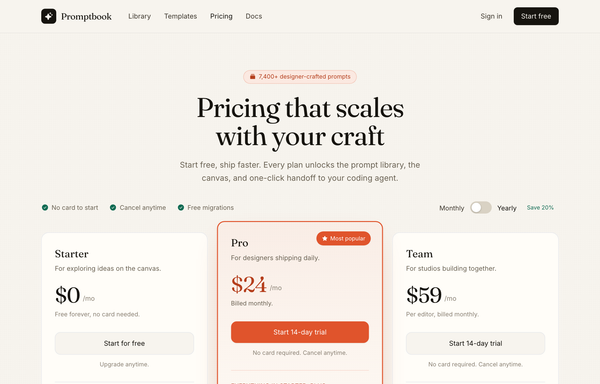
Warm Editorial Cream Pricing
A warm cream-paper SaaS pricing page with a terracotta accent, Fraunces serif display type, and three reflowing tiers anchored by a lifted 'Most popular' middle card.
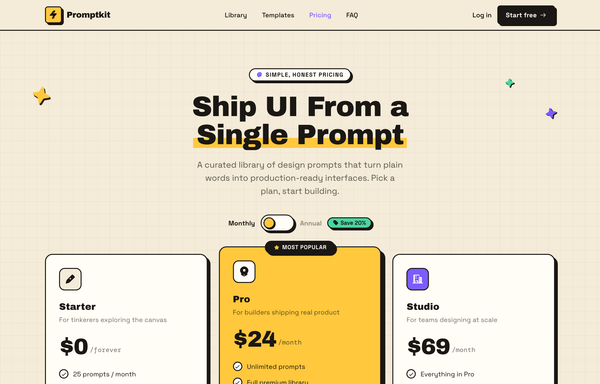
Warm Neo-Brutalist SaaS Pricing
A neo-brutalist pricing page on a warm cream canvas with hard-shadowed cards, a 3-tier layout, a monthly/annual toggle, and a bold Archivo Black display face.
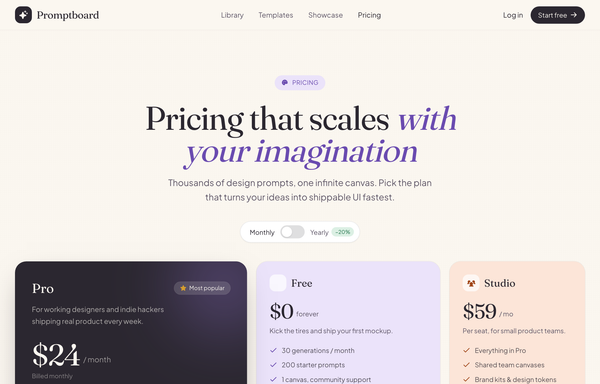
Warm Pastel Bento SaaS Pricing
A cream, editorial SaaS pricing page laid out as a pastel bento grid with a dark hero plan, serif headlines, and a live monthly/yearly toggle.
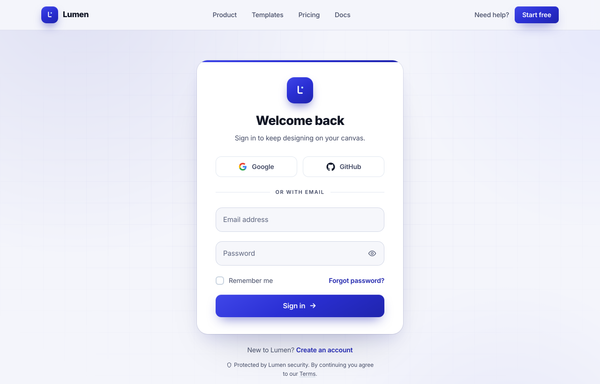
Welcome back · Lumen - centered-card (true cobalt)
A clean centered-card sign-in page on a soft off-white canvas with a single true-cobalt accent: sticky nav, a white rounded-3xl auth card (Google + GitHub social, floating-label email/password with a show/hide toggle, remember-me + forgot, gradient Sign in CTA), and ambient cobalt glows.
How to prompt a card that looks designed, not generated
An AI design agent has a strong default for a card, and most of those defaults are the average of every Tailwind demo it trained on: a frosted-glass box on a purple gradient, a gradient-blob icon, the Inter typeface, filler copy, and a couple of equal ghost buttons. A good prompt is really a list of constraints that override those defaults. Here is each default you need to override, the words that do it, and a template that bakes them all in.
Design a [type] card, for example a [product, profile, stat, article or pricing] card, that holds one [the single thing it represents] and links to [where a click goes].
One concept: put exactly one subject on the card and one primary action. If you need more actions, move them to the detail view, not the card.
Content order, top to bottom: [an image or icon with a fixed aspect ratio], a short title of about [five] words, one line of meta such as [price, date, role or read time], then a single primary action.
Hierarchy: make the title the loudest element, mute the meta, and give only the primary action color. Everything else is neutral.
Action: one solid primary button, for example [Add to cart or Read more], plus at most one quiet secondary link. Make the whole card a link so the entire surface is clickable.
States: include the hover state (a slight lift or border), the focus ring for keyboard users, and a loading skeleton.
In a grid: equal heights, the same internal padding of about [16 to 24px], the same image aspect ratio on every card, and [3] across on desktop reflowing to [1] on mobile.
Style: a neutral surface with a 1px border and a soft shadow, one [accent] color used only for the primary action and status, and a named typeface, not the default Inter. No glassmorphism, no purple gradient.
One concept per card
Default: It crowds a card with several subjects and a handful of equal buttons, so nothing reads as the point. Nielsen Norman Group defines a card as a short, linked representation of a single conceptual unit.
Constrain it: Say the card holds exactly one thing and one primary action, and push any extra actions to the detail view.
Content hierarchy
Default: It stacks every element at the same weight, so the card is a flat block of equal lines with no clear order to read it in.
Constrain it: Name the order: image, then a short title as the loudest element, then a muted line of meta, then the action. Rank it, do not flatten it.
One primary action
Default: It drops two or three equally weighted buttons on the card, so a person has to stop and choose instead of acting.
Constrain it: Ask for one solid primary action and at most one quiet secondary link. Material guidance is a single dominant action per card.
The surface
Default: Left alone it reaches for frosted glassmorphism on a purple gradient, a gradient-blob icon, and the Inter typeface, the look of every AI card on the internet.
Constrain it: Name a neutral surface with a 1px border and a soft shadow, one accent color, and a real typeface. Say no glassmorphism and no purple gradient.
Interactive affordance
Default: It ships a flat, dead rectangle with no hover, no focus ring, and no real link, so a clickable card gives no sign it can be clicked.
Constrain it: Ask for a hover state (a slight lift or border), a focus ring for keyboard users, and the whole card as one link with cursor pointer.
Consistency in a grid
Default: It sizes each card to its own content, so a row ends up with ragged heights, mismatched padding, and different image crops.
Constrain it: Require equal heights, the same internal padding, and one image aspect ratio across the row, three across on desktop reflowing to one on mobile.
Frequently asked questions
What is a card in UI design?
A card is a small, self-contained box that groups a few related pieces of information, like an image, a title and an action, and acts as the entry point to more detail. Nielsen Norman Group describes it as a short, linked representation of a single conceptual unit. Because the whole card usually links somewhere, the entire surface is the click target, not just a button inside it.
What makes a good card UI?
It does one job and shows one primary action. Rank the content so the eye has an order to follow, usually an image, then a short title, then a muted line of meta, then the action. Give only the primary action color, keep generous and consistent padding, and make every card in a row the same height. Restraint and a clear hierarchy do more than another badge or button ever will.
When should you use cards instead of a list or table?
Use cards when the items are mixed in type and each one needs an image or a different shape of content, like a feed of products, profiles or articles you browse and tap into. Use a list or table for uniform rows people scan or compare line by line. Nielsen Norman Group warns that cards are less scannable than lists and a poor fit for side-by-side comparison, so reach for them when each item earns its own little container.
Why does my AI-generated card look generic?
Because a vague prompt gets the model defaults: a frosted glassmorphism box on a purple gradient, a gradient-blob icon, the Inter typeface, filler copy, and two equal ghost buttons. Name the one concept the card holds, the content order, a single primary action, a neutral surface with one accent and a real typeface, and say no glass and no purple gradient, and it stops reaching for the average.
How do you write a prompt to generate a card UI?
Describe the brief, not the vibe: the one thing the card represents, where a click goes, the content order from image to action, the single primary action, the hover and focus states, and the grid rules so a row stays even. Add one accent color on a neutral surface and a named typeface. The template above walks through each part, and you can open any example here to see a full prompt that works.